20–35%
less time from site measurement to usable data

Načítám Apertu…
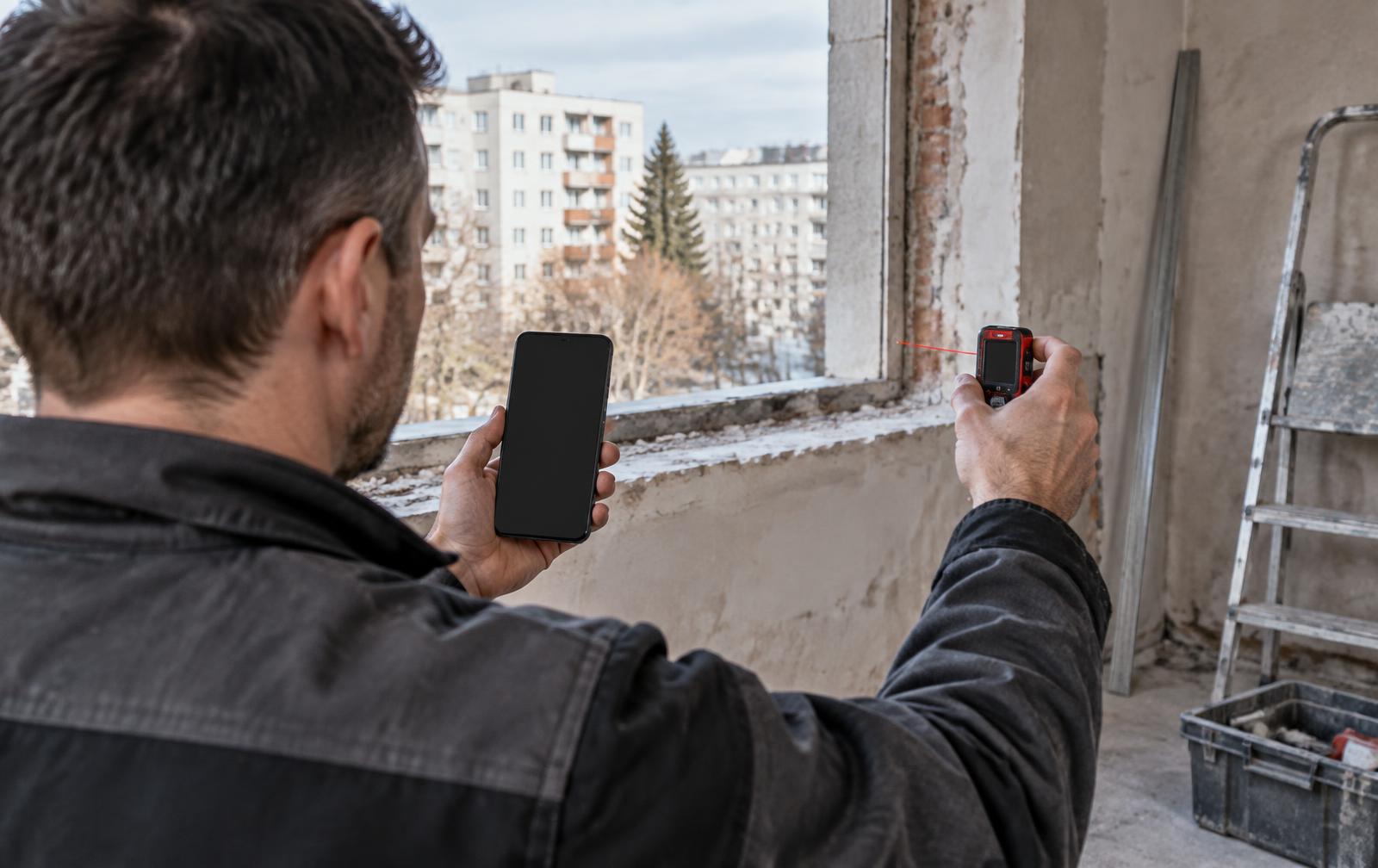
On-site window and opening measurement

The photo becomes the workspace. Every dimension belongs to a specific opening, keeps its source and remains readable from site to production.
Choose your situation
From first photo to completed position
Only the site name is required. The job number also becomes part of structured exported photo names.
Replacement and rough-opening preparation require different details, so the choice comes before measuring.
The camera fills the screen. The app proposes an outline and every corner can be corrected. Up to three photos can be stored.
Tapping a flashing dimension opens one relevant input. Enter it manually or receive it from a Bluetooth distance meter.
Width at top, centre and bottom. Height at left, centre and right. Trapezoids, triangles, shields, arches, semicircles and circles stay proportional.
Window or portal type, sash orientation, quantity, sill or installation height, floor reference, room and storey.
The position receives its number. The active step is restored after returning or refreshing the page.
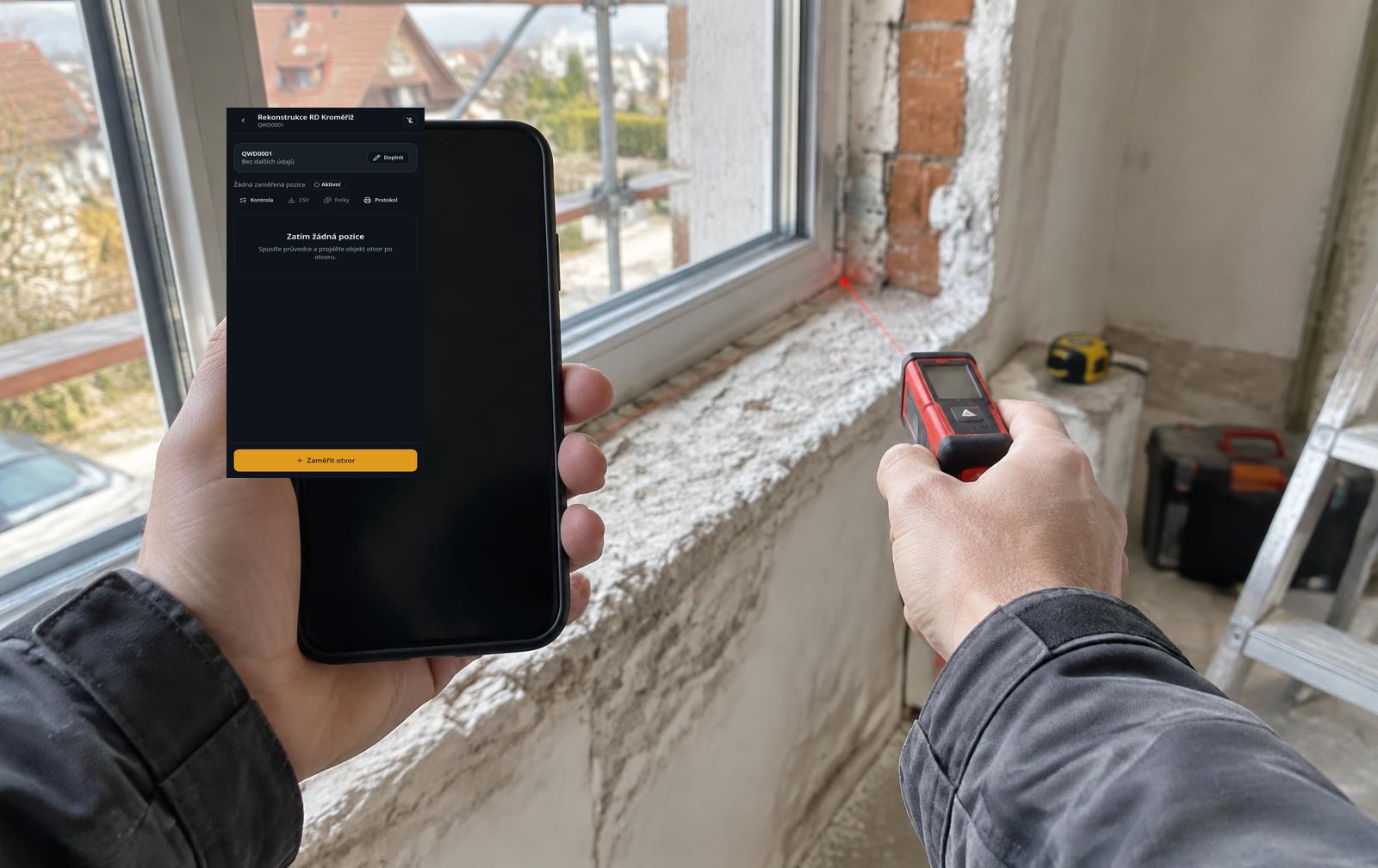
Phone in the left hand. Distance meter in the right. The value is verified directly over the opening photo.
Bluetooth distance-meter input currently works on Android. Manual input remains available on iOS.
Native apps for iOS and Android are in preparation. The distance meter will then connect on iPhone too.
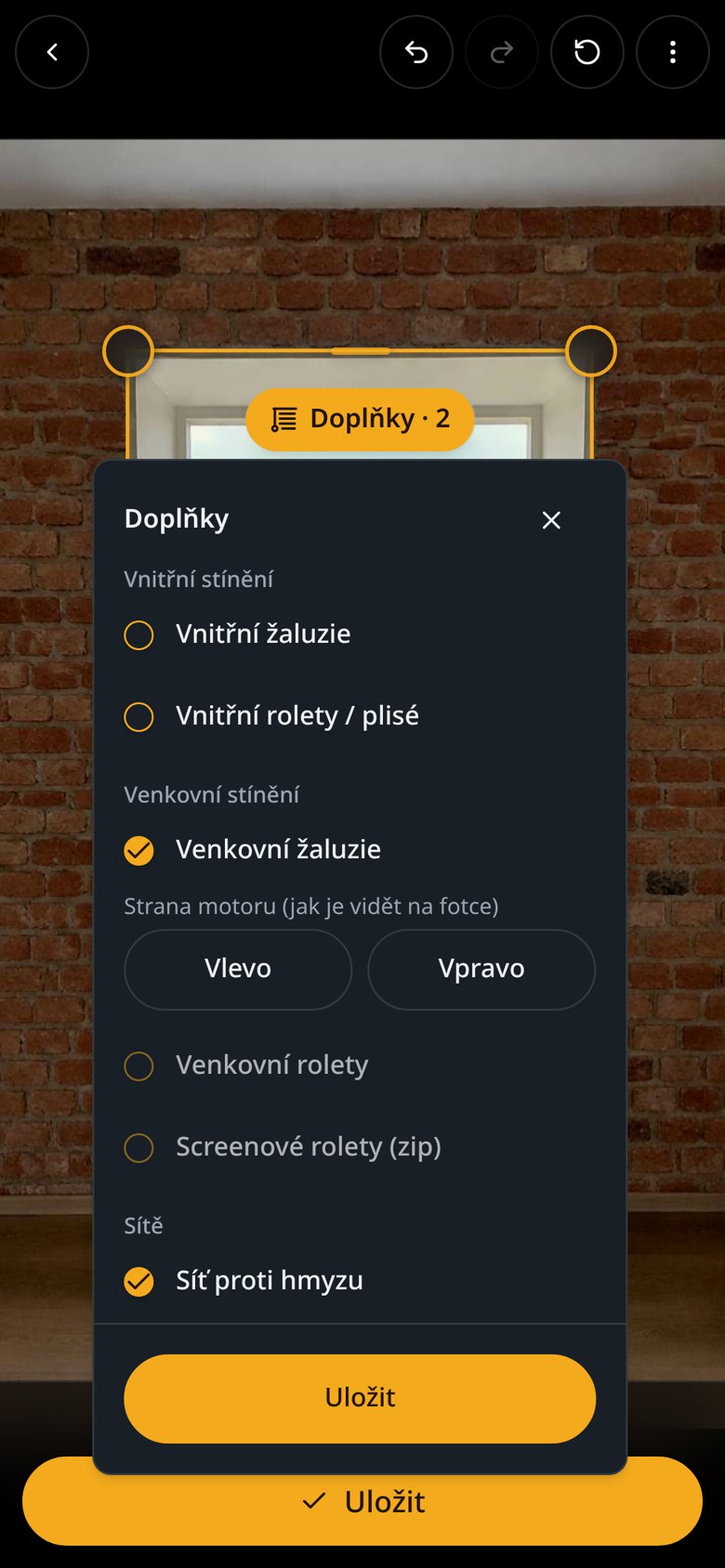
Interior blinds, roller blinds and pleated blinds.
External blinds, shutters and zip screens with motor side.
Insect screens.
Review and handover
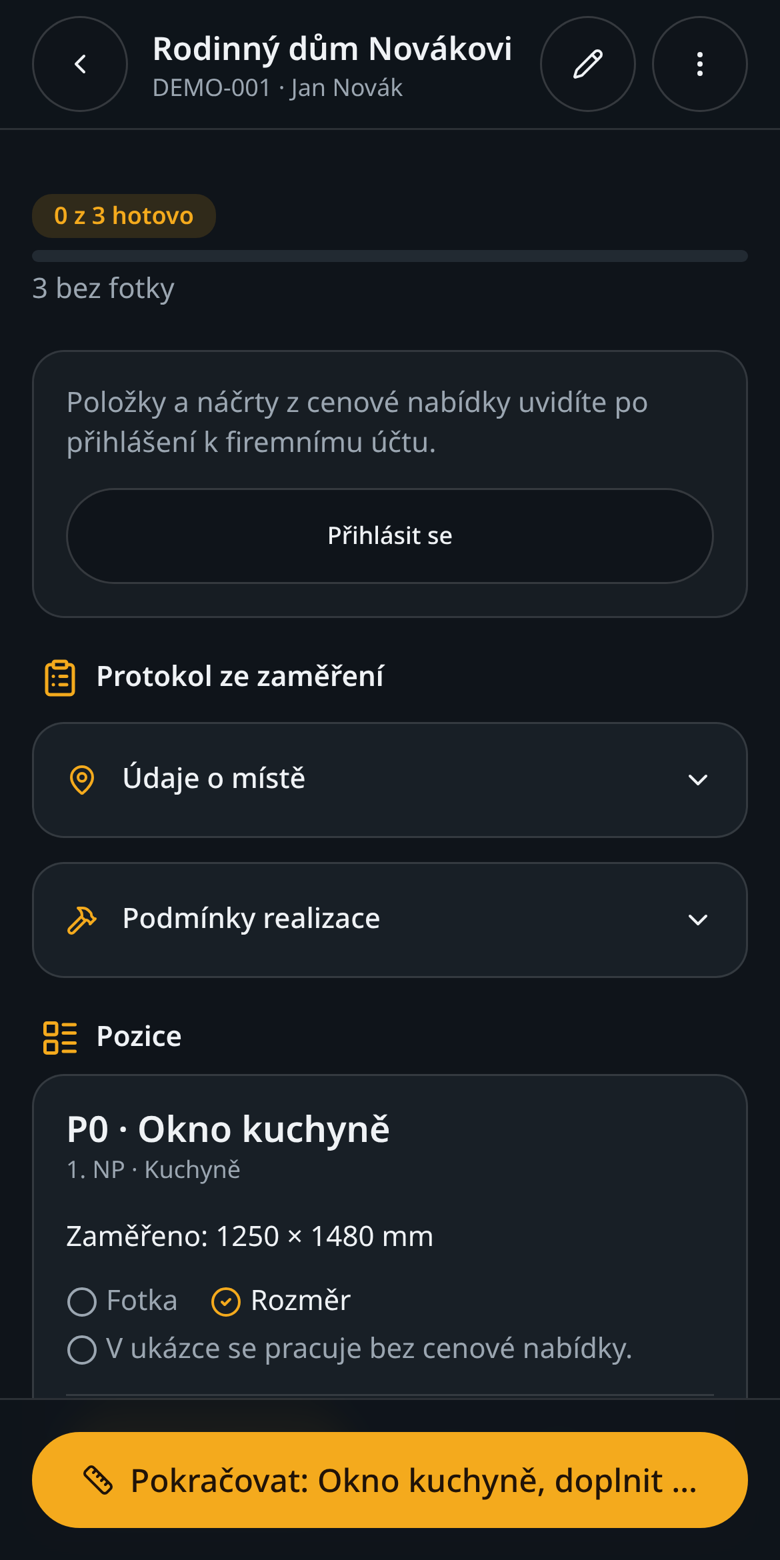
Not just numbers in a table. Every position keeps its context, traceable origin and usable output.
Illustrative business case
This is not a measured Apertu result. It is a conservative pre-pilot model. Value comes from removing re-entry, accelerating review and reducing errors, return visits and remakes.
20–35%
less time from site measurement to usable data
50–80%
less manual re-entry between field and production
30–60%
fewer clarification calls with annotated photos
€6–12
expected saving per window position
Illustrative estimate before pilot validation
At scale
€0.6–1.2M
gross potential across 100,000 window positions
A direct multiplication of the per-position estimate, before licence, rollout, integration and process-change costs.
A measurement is entered once, directly against its dimension on the photo.
The value source and measurement time remain traceable.
Review identifies incomplete positions before handover.
Opening and calculated production dimensions remain side by side in the output.
Planned capability
The annotated opening photo will sit beside proposed production dimensions. Approval will record the approver, time and audit trail to reduce disputes between site measurement and production.
External sources support the direction of digital field-capture benefits. The financial figures are Apertu's internal model, not results reported by these studies.
The job, dimensions, history and photos stay on the phone. They upload safely when connectivity returns.
You can open the app now. Paid demonstrations, installation and setup are tailored to company operations.
Open the app